Network
What Is AS4837? Backbone Routing, Advantages and Use Cases
Explore China Unicom AS4837: how the China169 backbone connects users, its practical advantages, limitations and suitable VPS hosting workloads.
Nov 3, 2026 · 6 min read
Read article

EXPLORE THE JOURNAL
01 / SECURE
SSH, firewalls and practical security guides for your everyday setup.
Explore security02 / HOST WITH TUDCLOUD
Explore VPS hosting in Hong Kong and Seattle, or choose a dedicated server.
03 / WATCH & LEARN
Video walkthroughs with written guides to follow at your own pace.
Video libraryTHE JOURNAL
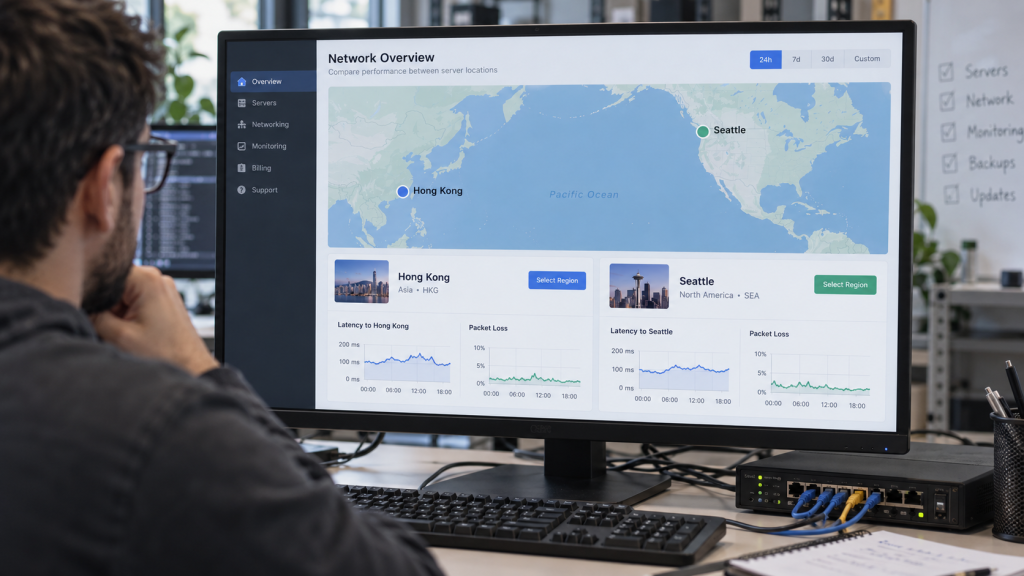
Understand CMIN2 and AS58807, their differences from ordinary CMI and CN2, and the benefits of carrier-matched connectivity for China Mobile users.
Explore China Unicom AS4837: how the China169 backbone connects users, its practical advantages, limitations and suitable VPS hosting workloads.
Learn what China Unicom AS9929 is, how it differs from AS4837 and AS10099, and why its premium network positioning matters for overseas hosting.

Understand China Telecom CN2 and AS4809: network architecture, benefits, ChinaNet differences, routing limits and applications for Hong Kong hosting.
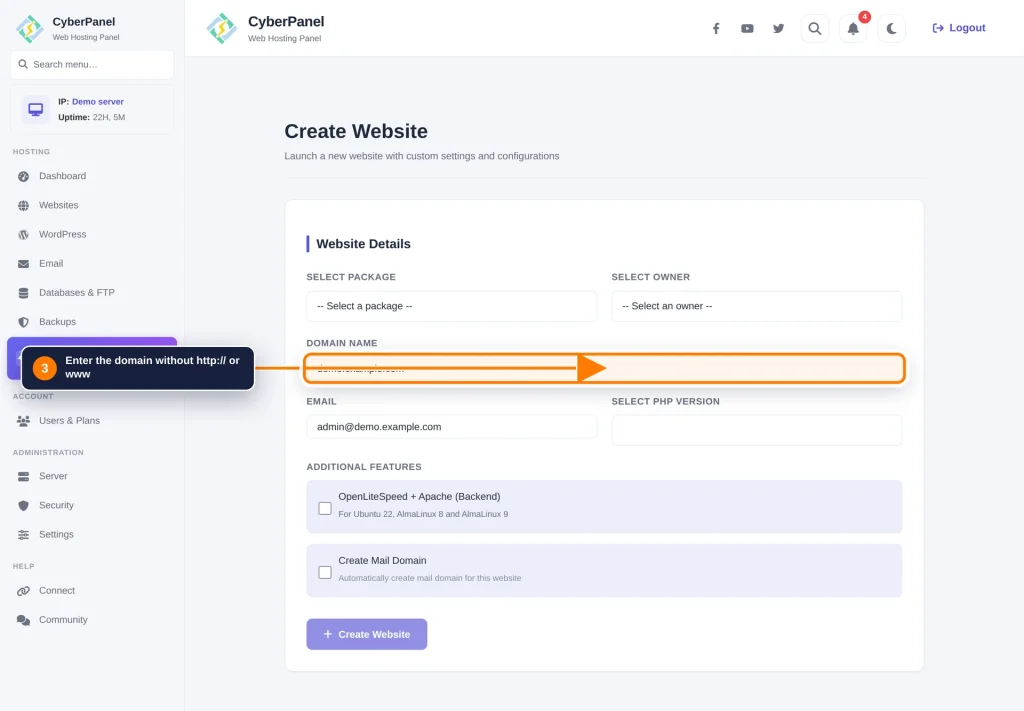
Set up CyberPanel with OpenLiteSpeed, create a website, configure PHP and SSL, and check your VPS before going live.
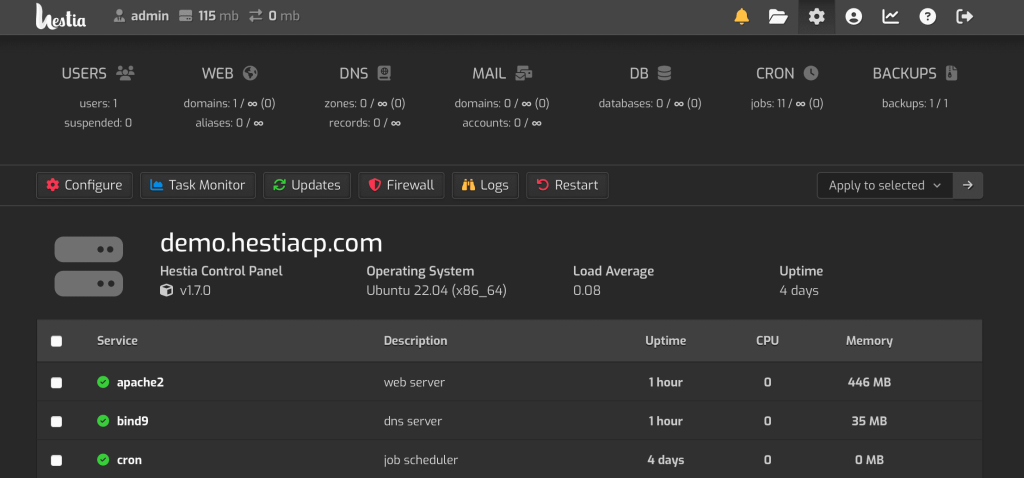
Install HestiaCP on a fresh VPS, add a separate website user, launch WordPress, enable SSL and create your first backup.
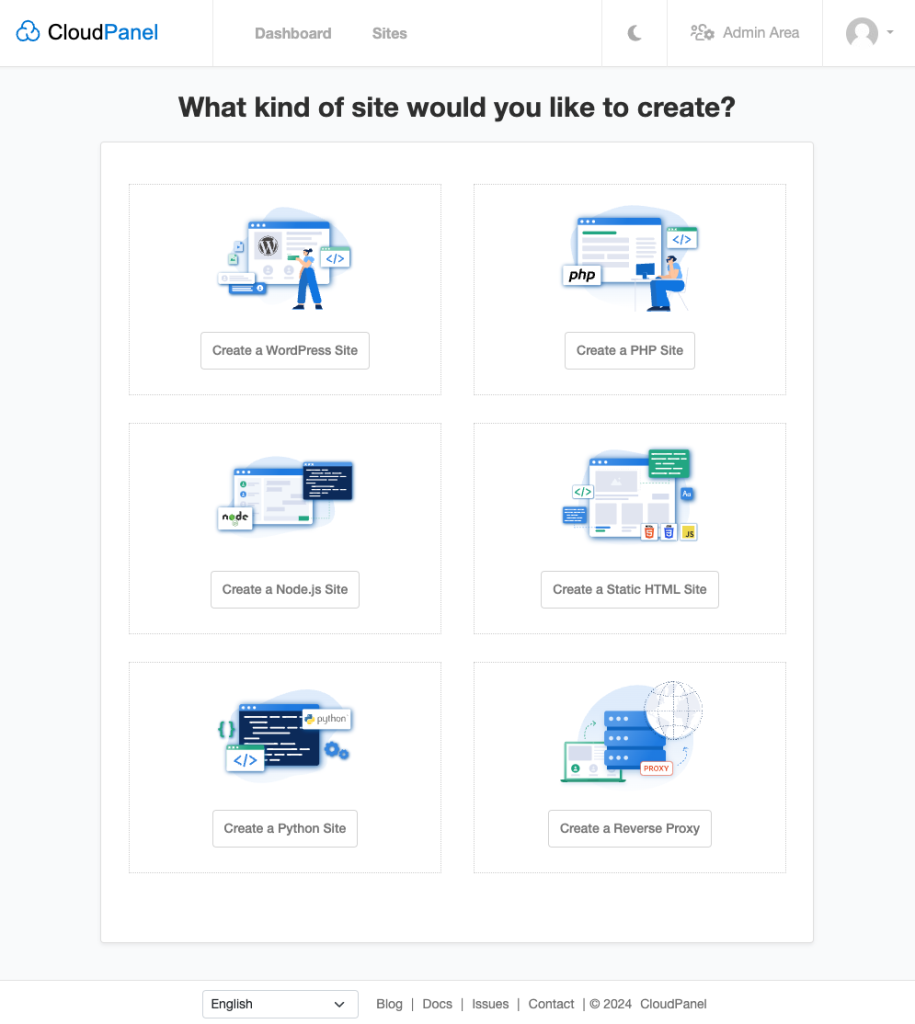
Install CloudPanel on a fresh Ubuntu VPS, create a WordPress site, configure DNS and HTTPS, and secure panel access.

Patch critical PHP vulnerabilities with safe aaPanel, Ubuntu, Debian, AlmaLinux and Rocky Linux steps, then verify the runtime serving your website.

Understand provider and Linux firewall layers, choose correct rule fields and avoid SSH lockouts when applying VPS panel firewall plans.